Register
Several users can get access to the console. An administrator can create new users from the Admin -> Users section or users can sign in and wait for the administrator to admit the sign in request. This page describes the latter.
In the log in page, you can find an icon to register.

A register form is displayed, where you must fill in the fields. You can select the authentication type that you’ll use (password, digital certificate, OIDC).
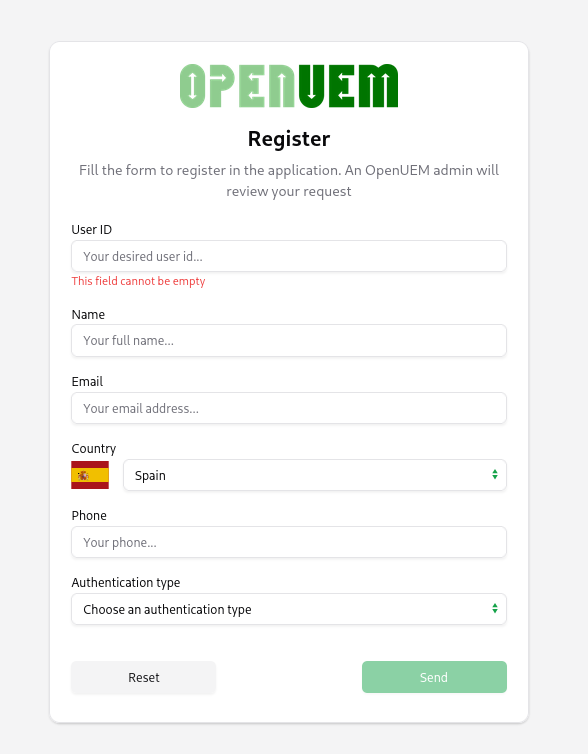
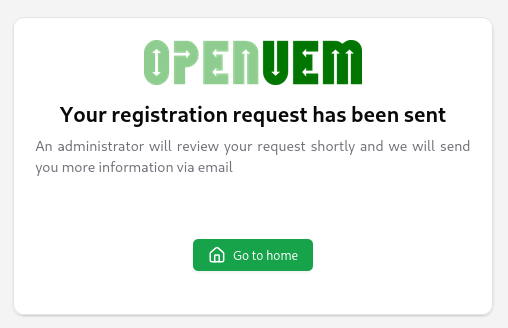
Once the form is validated, you can submit it, and you’ll receive a message telling you that you must wait until an administrator approves your request.
Starting with version 0.10.0, you can hide the register button from the log in page. You can do it from the Authentication tab in the Global config view.
