🖥️ Console
The Console is OpenUEM's Web User Interface
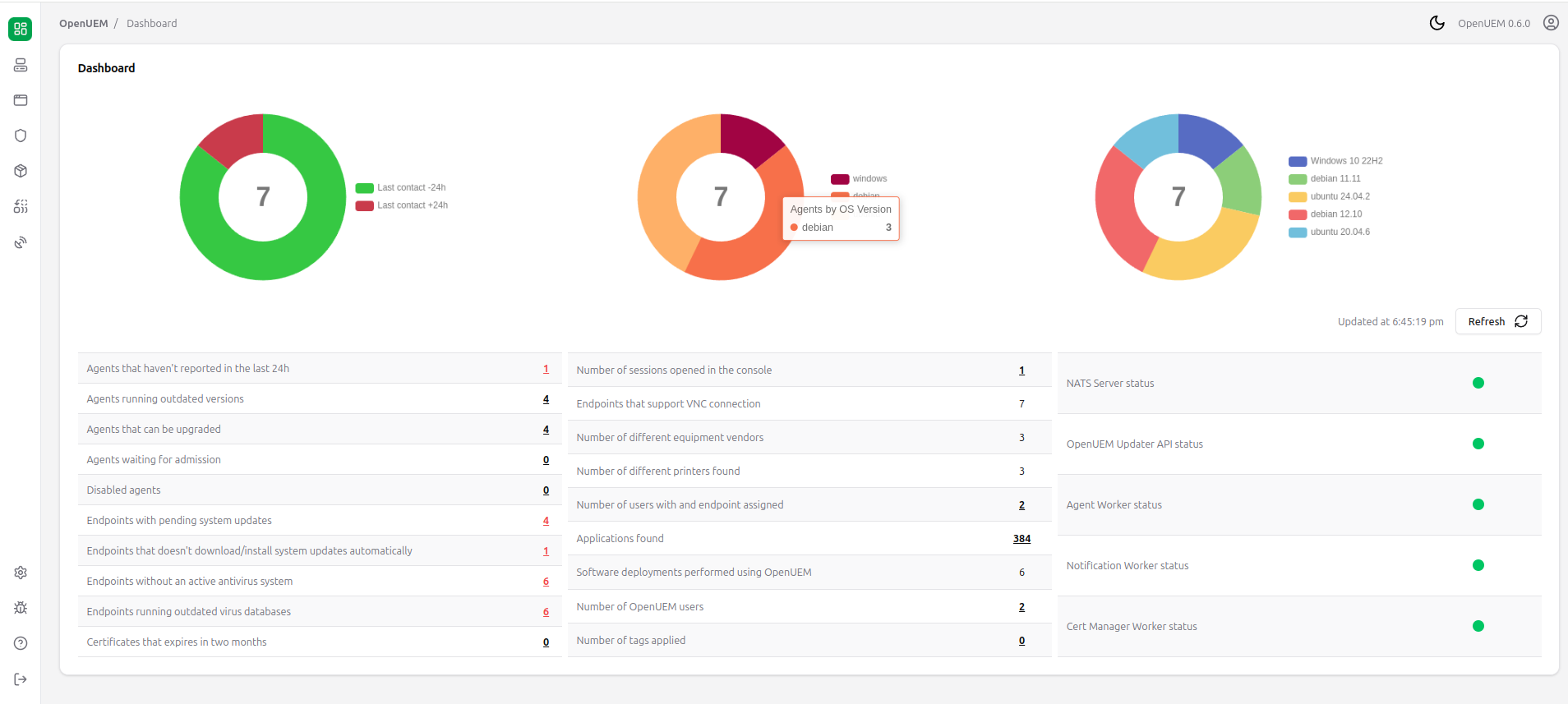
The console allows you to perform the following actions:
- Admit, enable or disable an agent
- Browse an endpoint's information gathered by an agent
- Start a remote assistance session
- Browse the files contained in an endpoint's logical disks
- Deploy a package to an endpoint using Winget, Flatpak or HomeBrew. You can also uninstalled packages deployed by OpenUEM
- Check the security status of the agents (antivirus and security updates)
- Create configuration profiles with tasks that will be applied by the agents
- Get statistics and check the status of the different OpenUEM components